The reason a business stops sending email is almost never the writing. It is the blank screen, the brand, the pictures, the fiddling with layout at nine at night. Velora takes that part off you. You describe the email you want and it comes back built, in your brand, with your own photographs, ready to edit.
Three things, not one
Email in Velora has three parts. Templates are the emails themselves. Campaigns send a template to a list of people. Automations send one on their own when something happens, like a new enquiry arriving. You write the template once and the other two use it.
Describe it the way you would brief a colleague
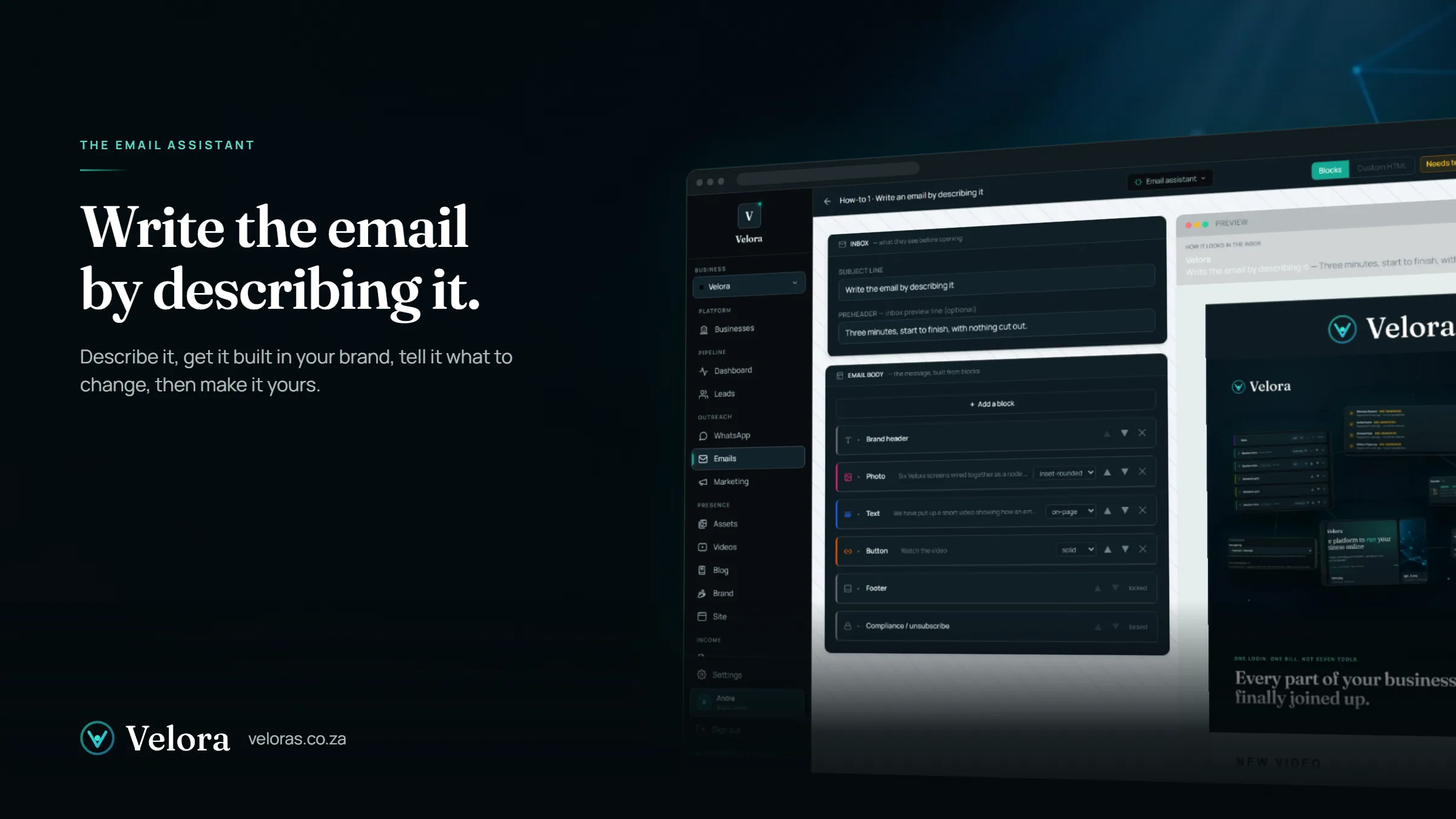
A new template opens with the inbox line at the top, the body in the middle built from blocks, and a live preview on the right that is already wearing your brand: your logo, your colours, your footer. You do not have to touch any of it. Tell the assistant what the email is for, who it goes to and the tone you want, in your own words.
It starts from the brief about your business in Settings, so it already knows who you are, where you are and what you do. You are not explaining your business again every time you write something.
A good brief usually has four things in it:
- what the email is for
- who it is going to
- the tone you want
- anything that has to be in it, like a date or a phone number
It cannot make things up
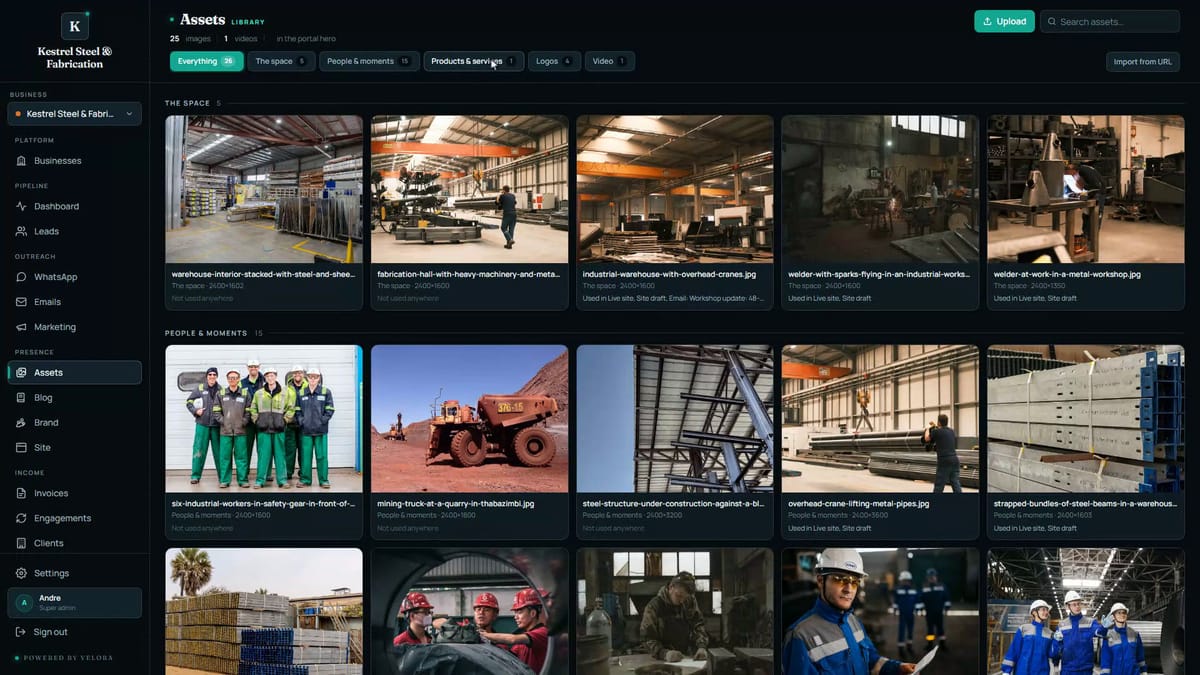
This is the part that matters when it is your name on the email. The assistant picks photos from your own library, described by what they actually show, and it can only link to things that exist: your site, your blog posts, your call-back form. It cannot invent a link or a picture. Nothing it writes can point at a page that is not there.
Change it by talking to it
The draft comes back as a subject line and preview text for the inbox, a hero photo, the copy and a button. If it is not right, you do not rewrite it. You say what you want different. Make it shorter. Move the claims number to the top. Each turn keeps a version, so if you preferred the earlier draft you can go straight back to it, and the assistant remembers what you asked for earlier in the same conversation, so “keep it short” stays in force for the next change too.
Then it is your email
The assistant does the bulk of the work and hands you something to finish. Every block down the left is yours to edit by hand. Open one and the preview jumps to that spot in the email. Change a line and the preview updates as you type. The hero photo comes from your own library, so you search by name and the one you pick drops straight in. Blocks move up and down with one click, so a highlight band that reads better above the text is one click away from being above the text.
When you are happy, give it a name and save the draft. From there you send yourself a test, approve it, and it is ready to use in a campaign or in an automation that sends it for you while you are doing something else.
That is the whole loop: describe it, get it built, tell it what to change, then make it yours.
The video at the top of this post is the whole thing happening, start to finish, with nothing cut out.