Every business is told to blog and almost none of them do it twice. The reason is not that owners cannot write. It is that a blog post is a blank page at the end of a day that already had too much in it, and the second one never gets started.
There is also a fair question underneath: what is it actually for? A post on somebody else's platform disappears in a day. A post on your own site is a page with its own address that Google can find, that your emails can link to, and that is still working for you in a year.
That is what the blog in Velora is. Each post is a page on your own site.
What a post is made of
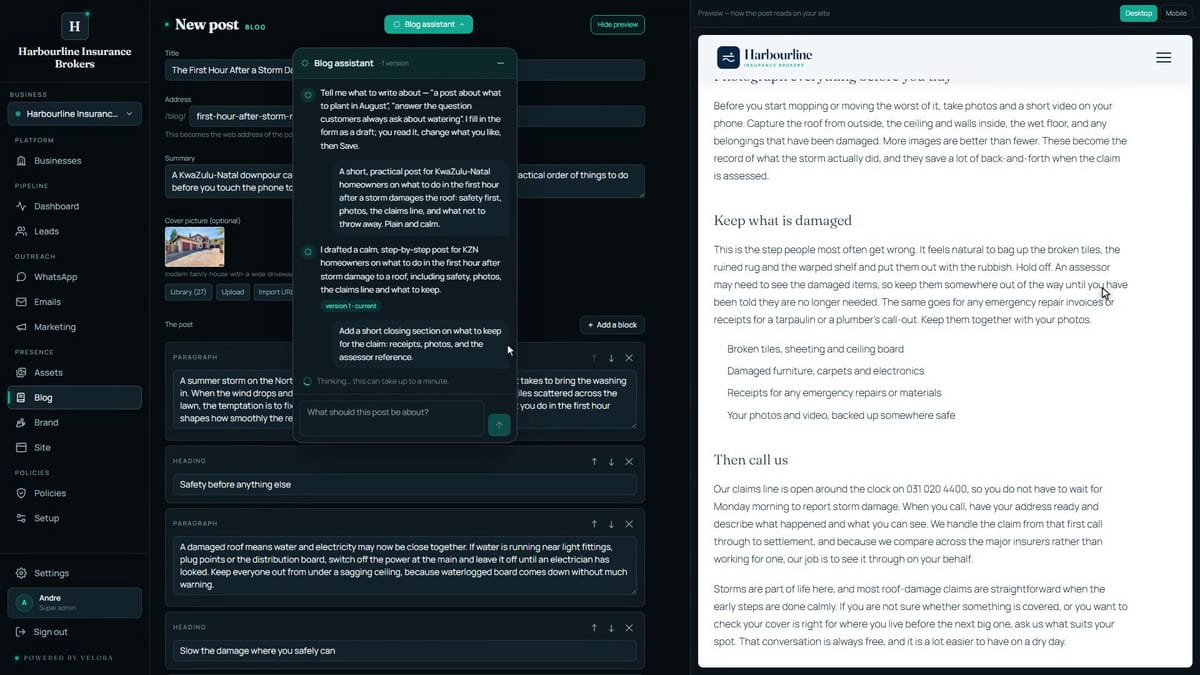
A new post has a title, a short summary that shows in the list and in search results, a cover photograph, and the body, built from blocks: paragraphs, headings, lists, quotes and pictures. On the right sits a preview of the post on your real site, in your brand.
You do not start from the blank page. You open the Blog assistant and say what the post is about, who it is for and the tone you want.
What comes back
It knows your business already, from the brief in Settings, so you are not explaining who you are every time you write something. It writes in your voice and lays the post out in blocks you can edit one at a time.
It also fills in the parts most people skip. The search title and description that Google shows, and a clean address for the post. Those are the difference between a post that can be found and a post that cannot, and they are exactly the fields that get left empty when a person is doing this by hand at nine at night.
What it will not do is invent a fact about your business, or link to a page that does not exist. If the post needs a link, it chooses one from your own site.
Then make it yours
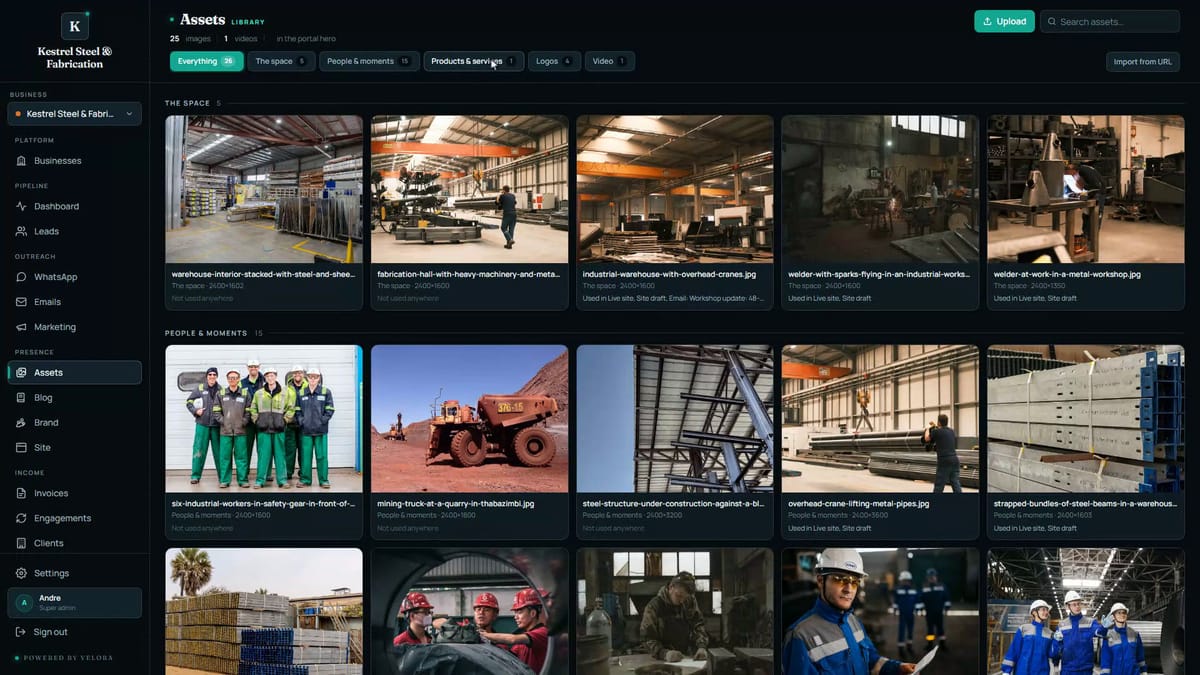
Give it a cover from your library. Search by name, click, done.
Want it different? Tell the assistant. Shorter. Warmer. Add a section about what happens after the call. It rewrites what is in the form and you still press Save, so nothing moves without you.
Every turn keeps a version, so going back to the draft you liked is one click. And nothing is public until you publish, which means you can ask for three versions and keep the one that sounds most like you.
Publishing, and what happens after
Save it as a draft or publish it straight away. Publishing puts it on your blog, on your site, at its own address.
A few things go on the post without you writing them:
- Your site's call to action goes at the end, so a reader who got all the way down has somewhere to go.
- Up to three of your other posts follow it, so the one post becomes a way into the rest.
- If your YouTube channel is connected, a post can carry one of your own videos, chosen from your channel rather than typed in, so there is no such thing as a broken embed.
None of that is written per post. It is derived, every time, from what your site already knows.
The video at the top of this post is a post being written and published, start to finish, with nothing cut out.